P-Comp Week 07 Labs
Two-Way (Duplex) Serial Communication Using Arduino and p5
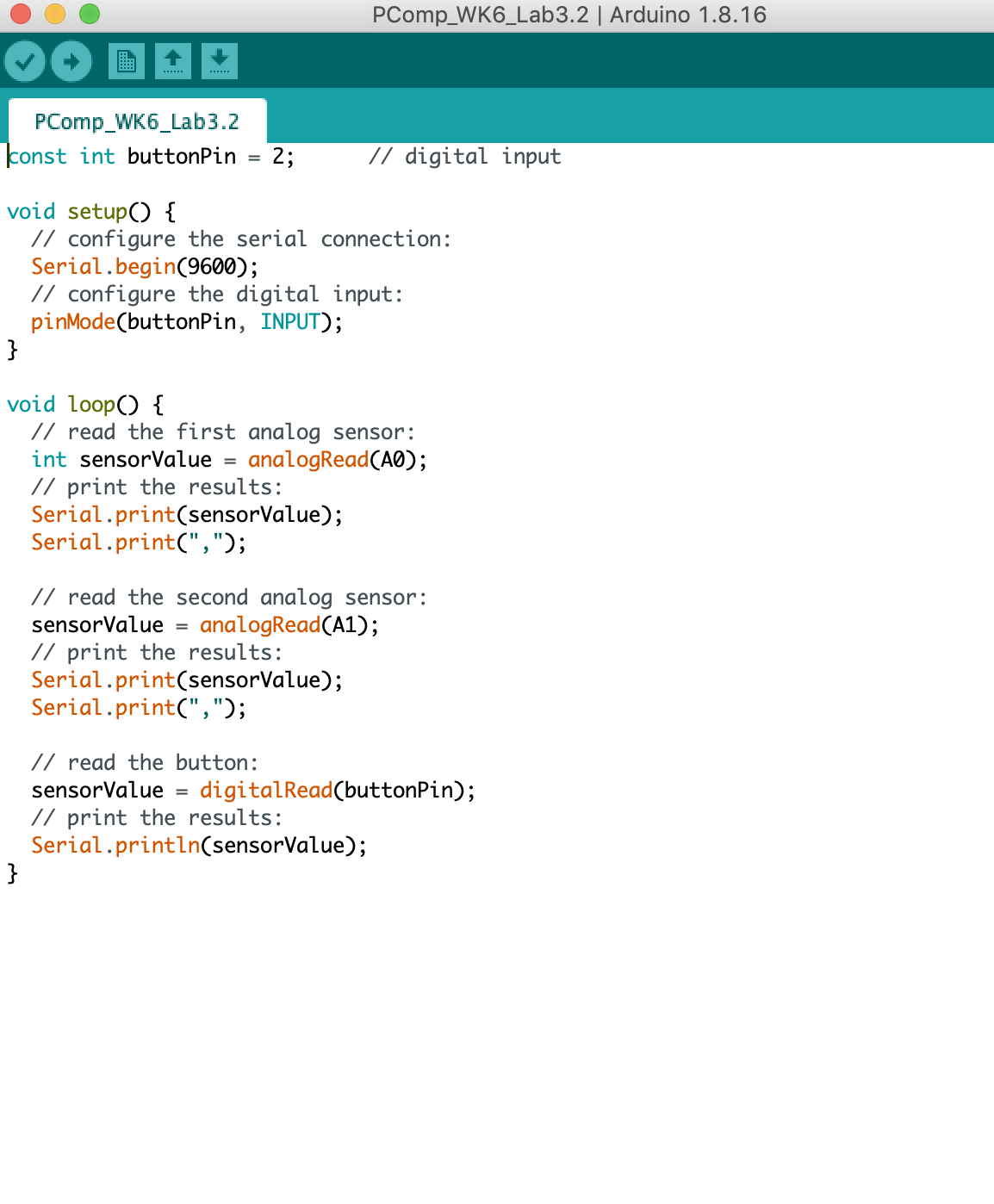
Sending multiple serial data using punctuation
Receing multiple serial data in p5
Flow control: call and response (handshaking)
Build Your Own Application
My goal is to build direction controls like on a video game controller. At first, I
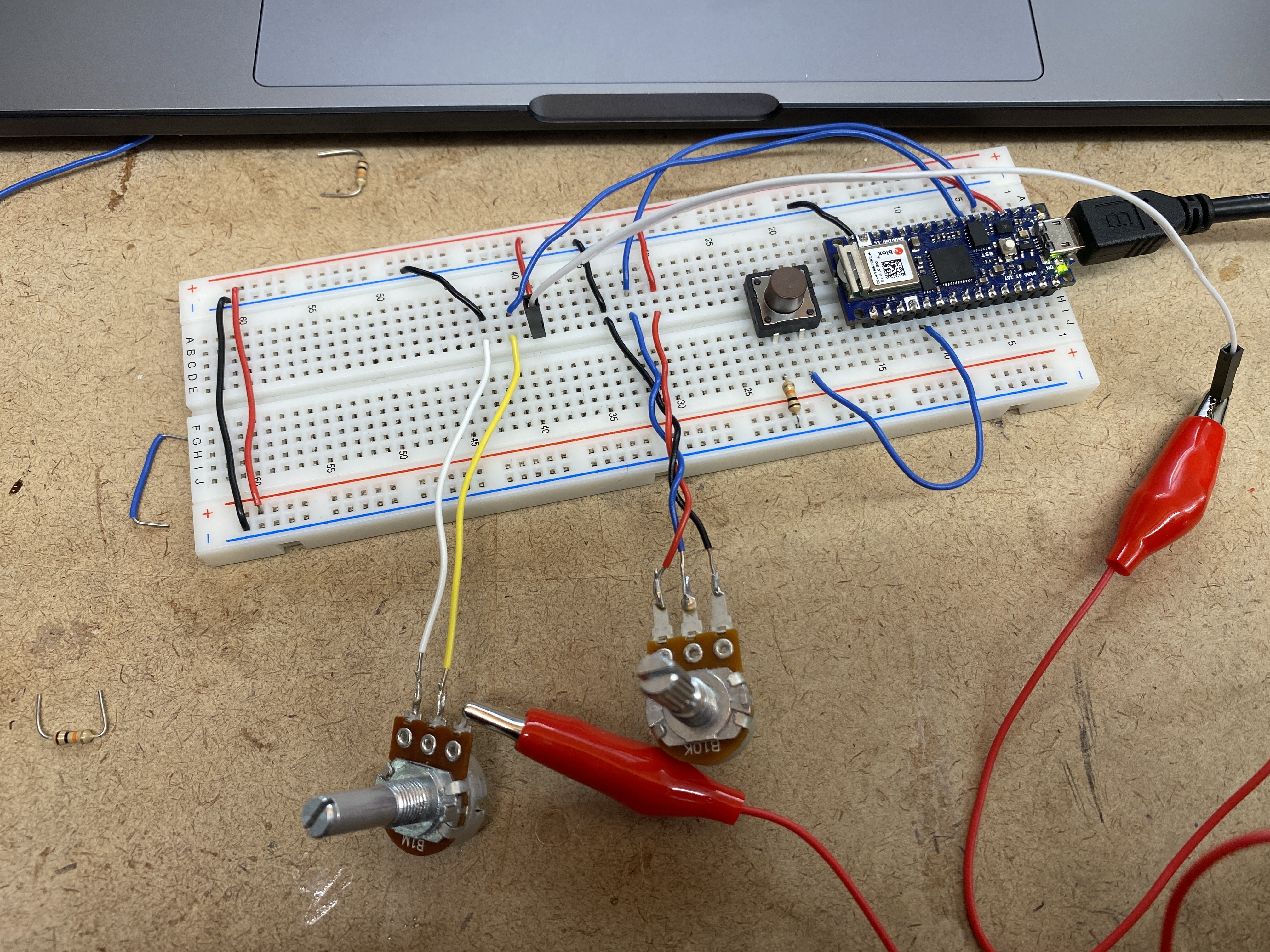
started off with the base code from the two-way (duplex) lab where we had
a pushbutton and two potentiometers connected to the Arduino. I adjusted
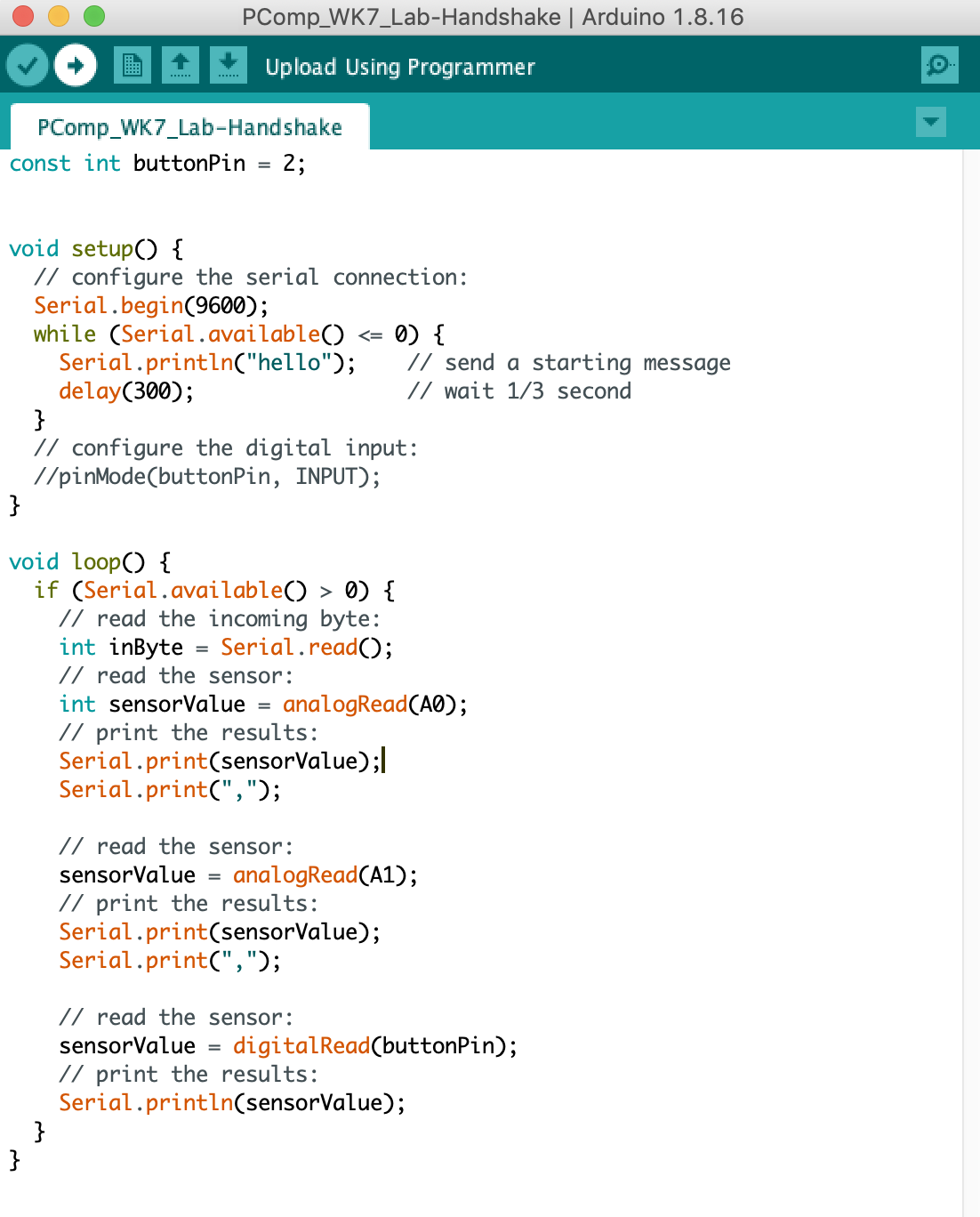
the Arduino code accordingly to reflect two pushbuttons to start off with.
could keep track of when the code would or would not work. With these first
two pushbuttons, I wanted to make a circle on the screen of P5 move to the
right and also down.
At the beginning I was able to kind of do this, however once I ran the P5 code
the ellipse would start at the correct coordinates but when I selected the
correct port from the dropdown menu, the ellipse would move to the
coordinates (0, 0). When I pressed the first pushbutton (right) there was a
bit of a delay before the circle would move to the right, but return to (0, 0),
and same thing with the second pushbutton (down) except it would lag then
move down and return to (0, 0). As I continued to press the buttons, the
delay would grow longer and eventually it would just stop working.
Below is a video of what my original P5 code would do as well as the Arduino
code.
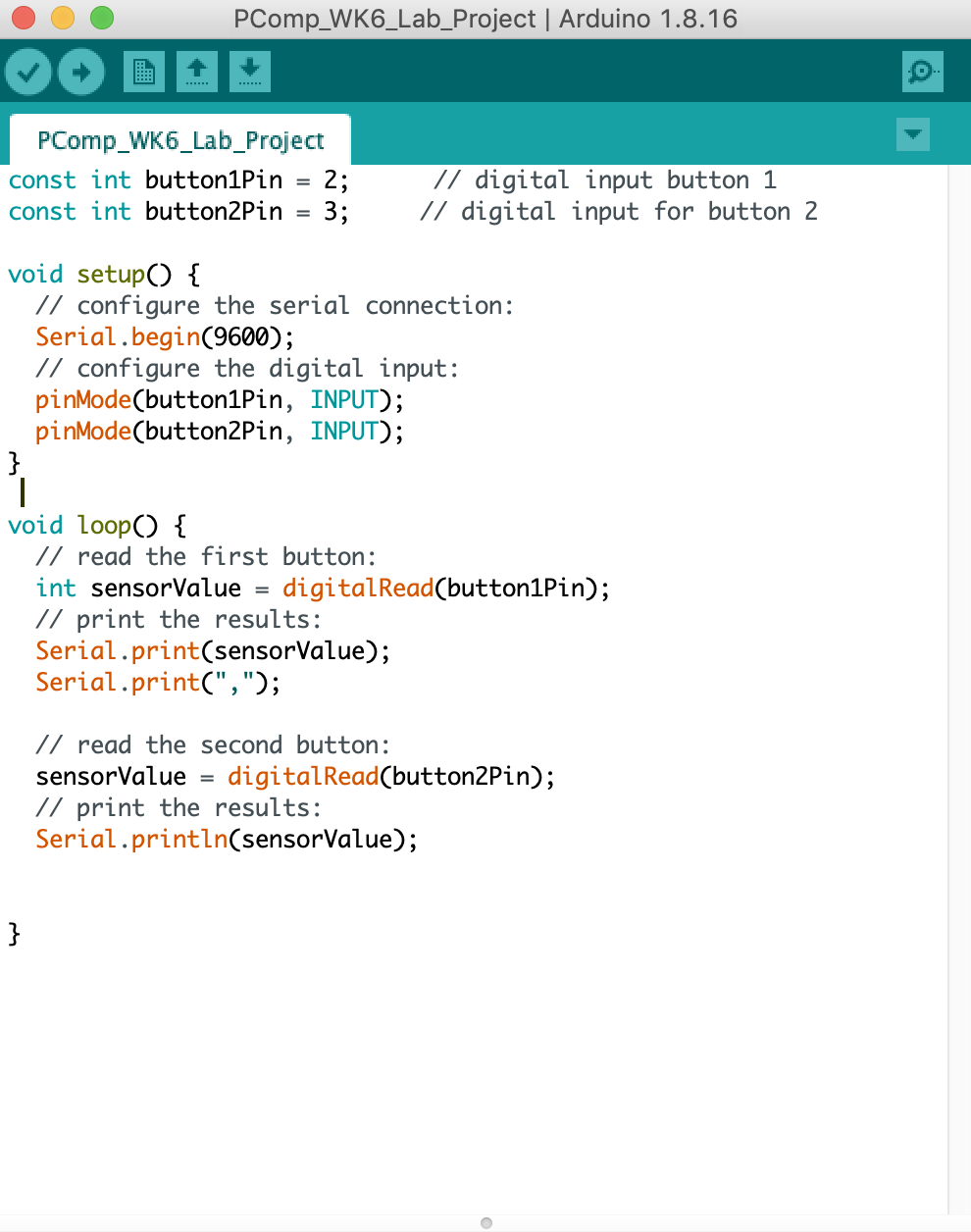
During office hours with Yeseul, she was able to help me trouble shoot my
main issues:
1. The delay between button presses
2. Having the ellipse start at the correct coordinates
3. Incrementing the x movements so that it would keep moving to the
right/down
By adding a delay of 10 milliseconds at the end of my Arduino code, this
allowed the program to run and not lag.
In my P5 code, I had to change the sensor reading inputs to read as an
integer. This along with declaring more variables, we were able to get the
ellipse to move to the right and down as the buttons were pressed.
Below is the code along with a video demonstrating four buttons causing the
ellipse to move to the right, left, up and down.
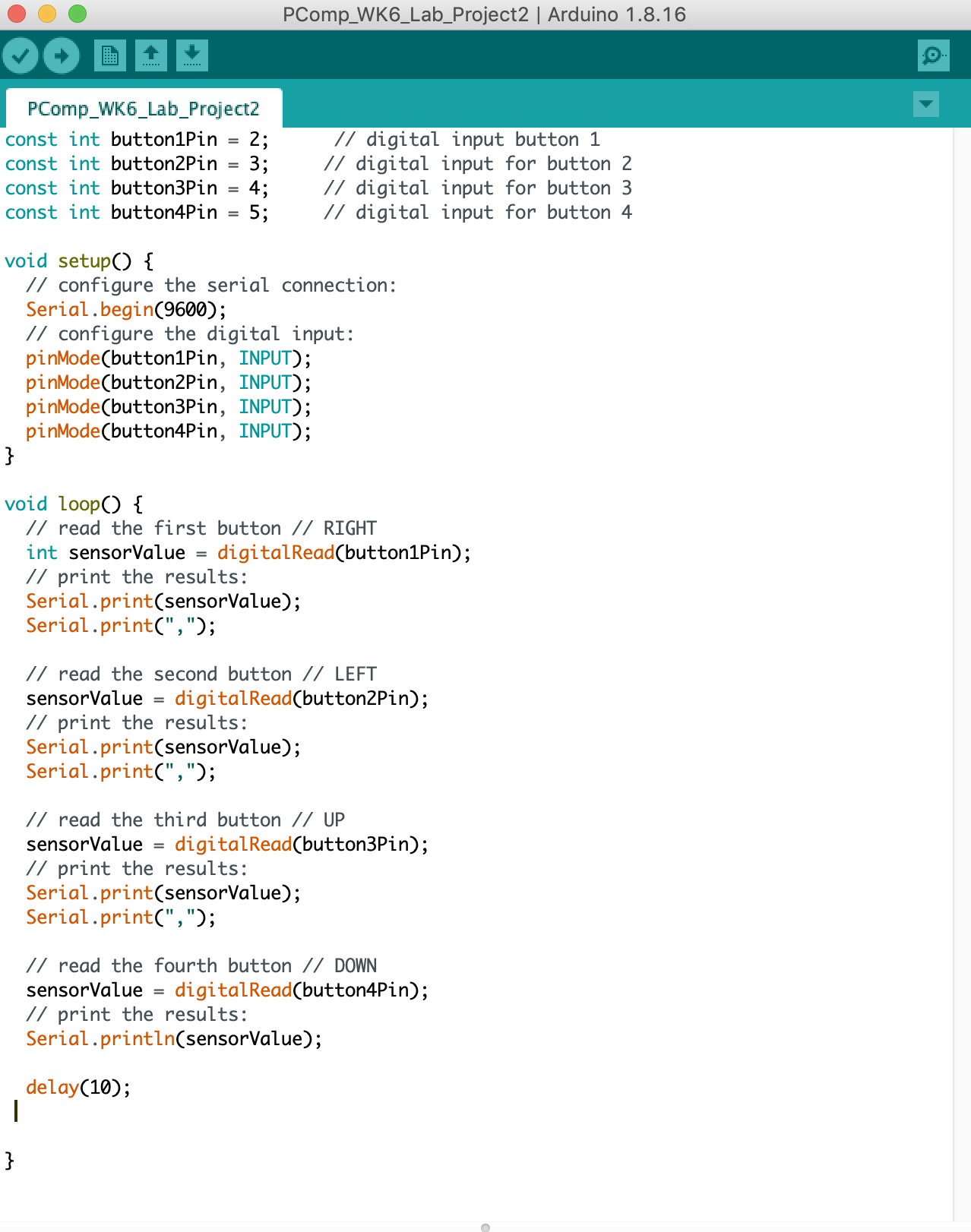
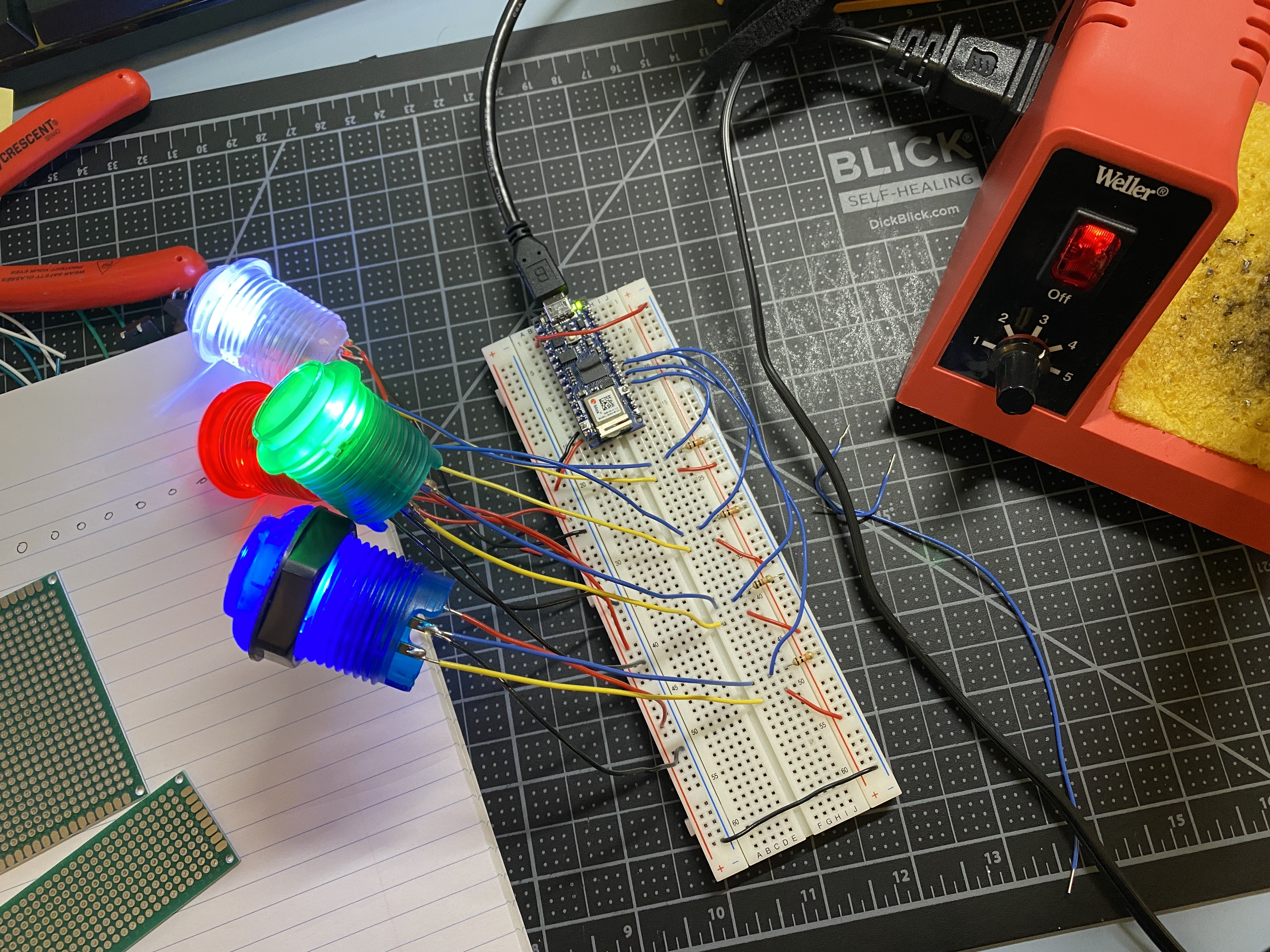
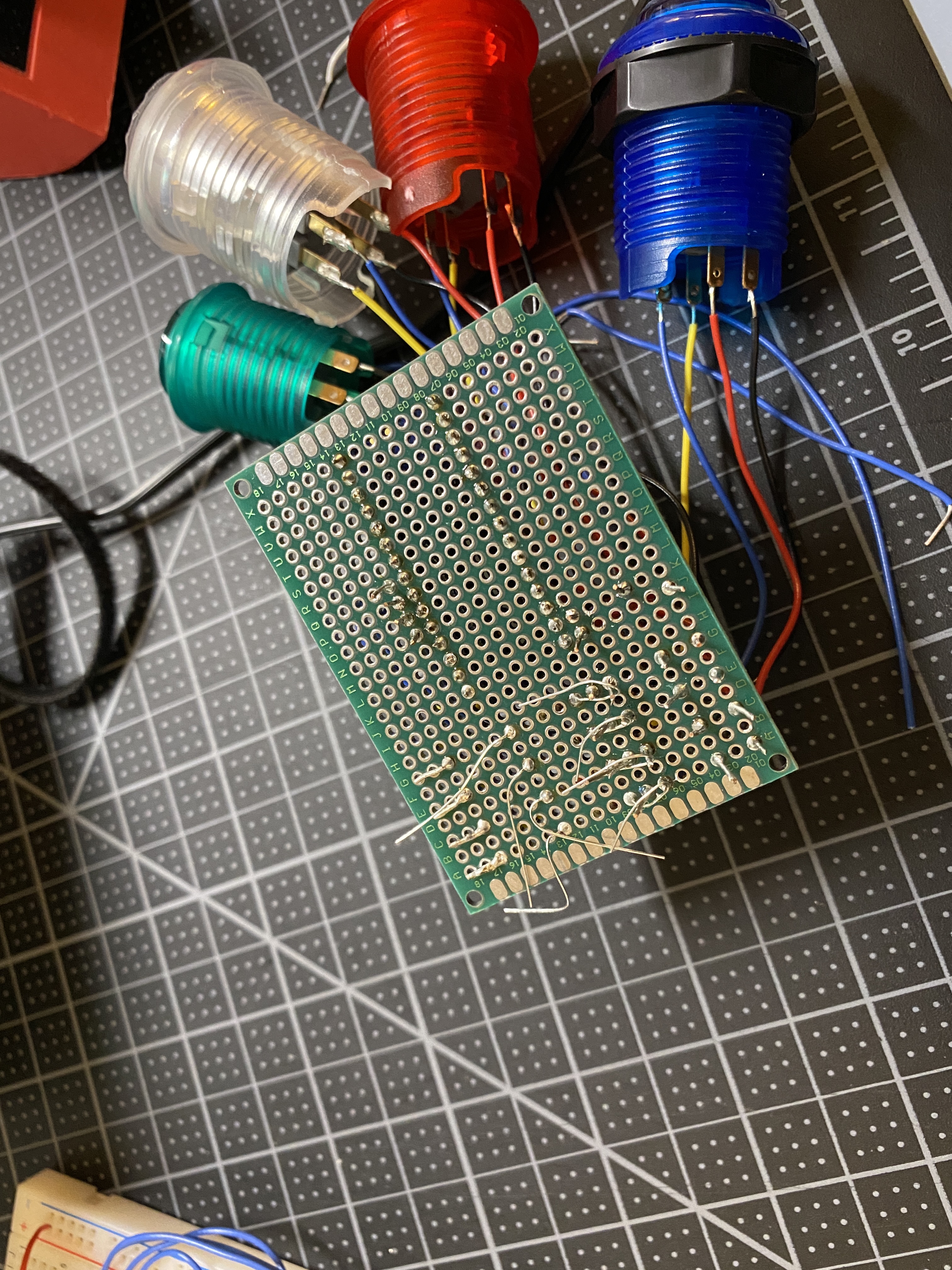
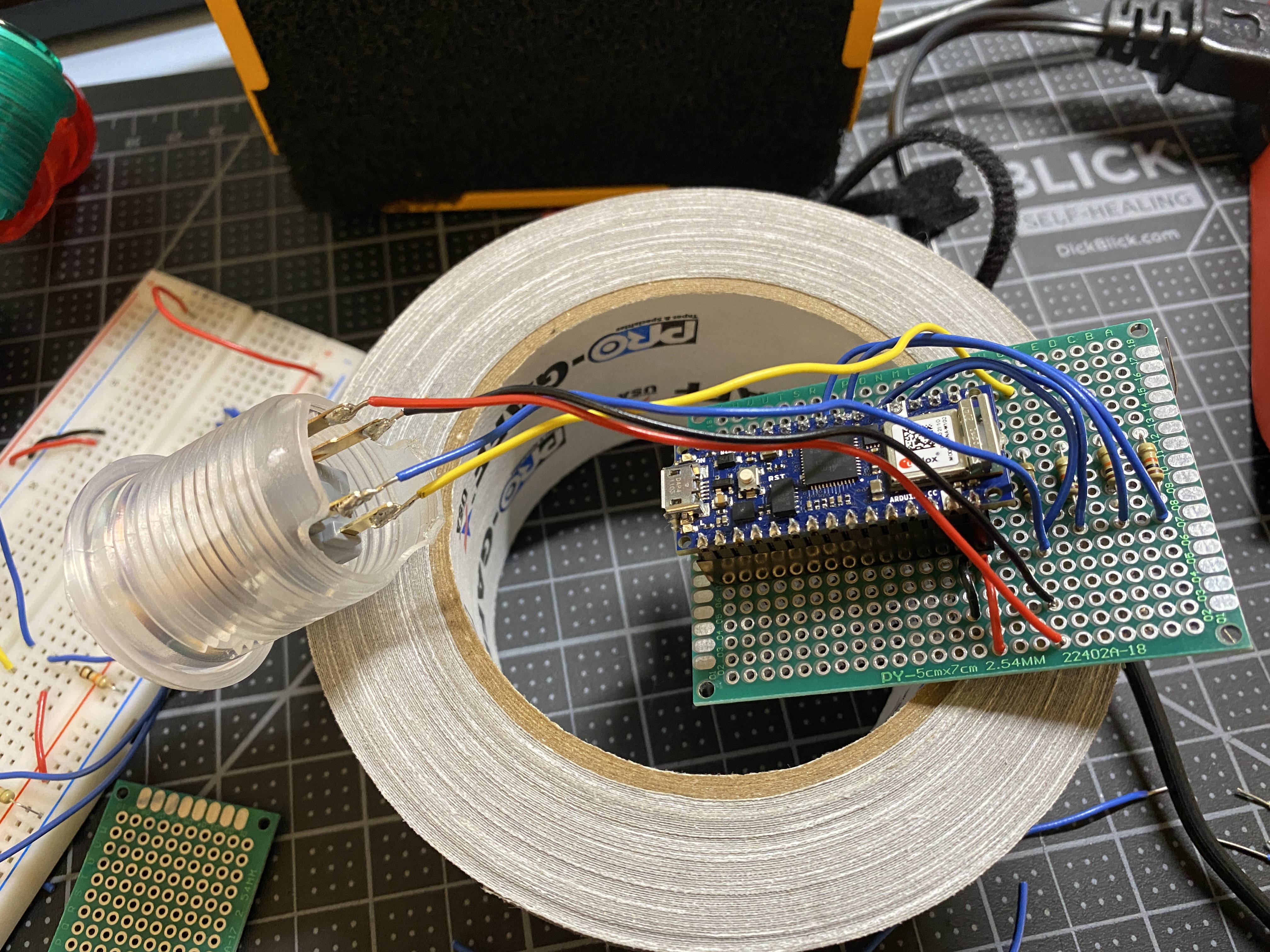
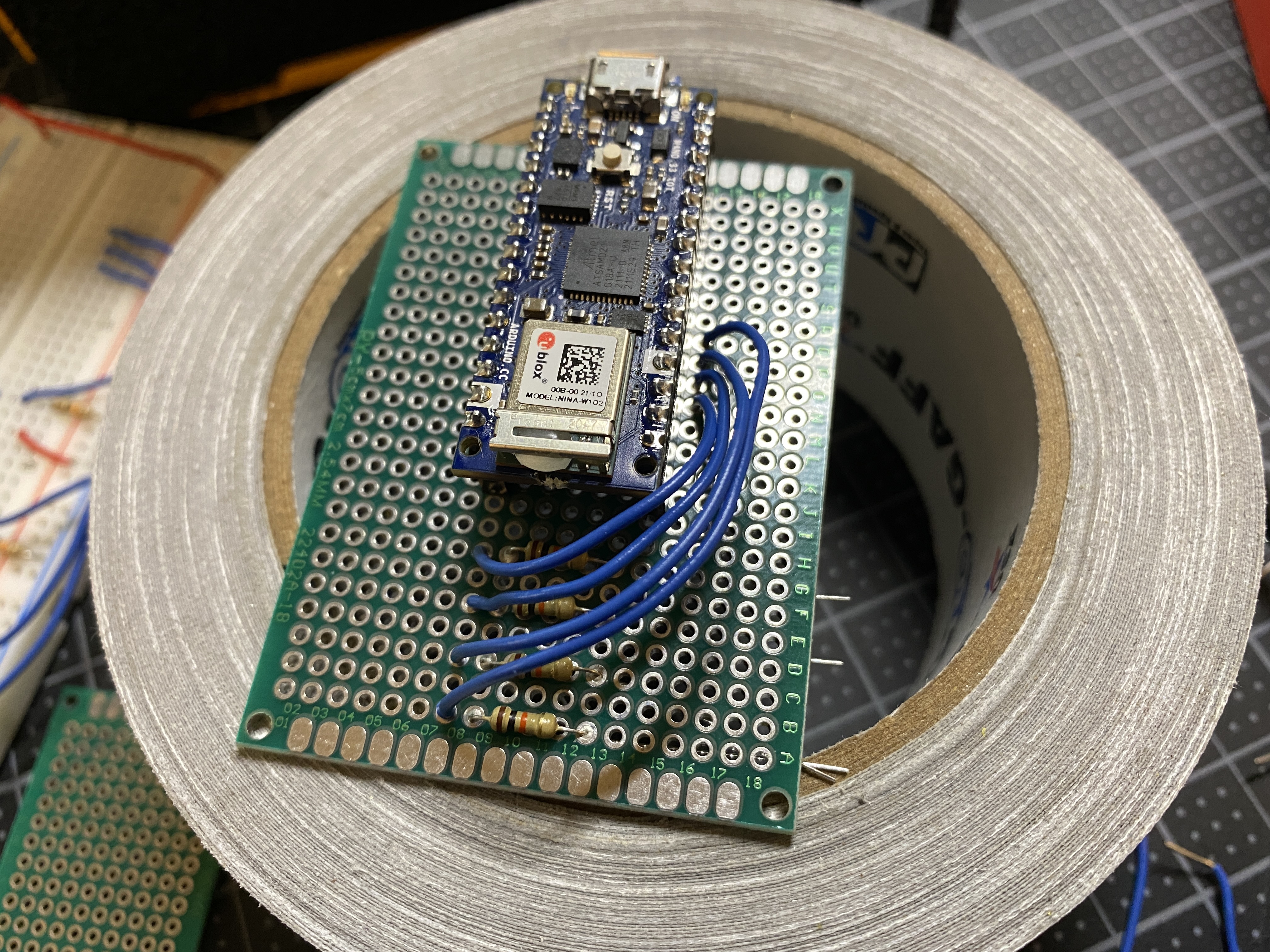
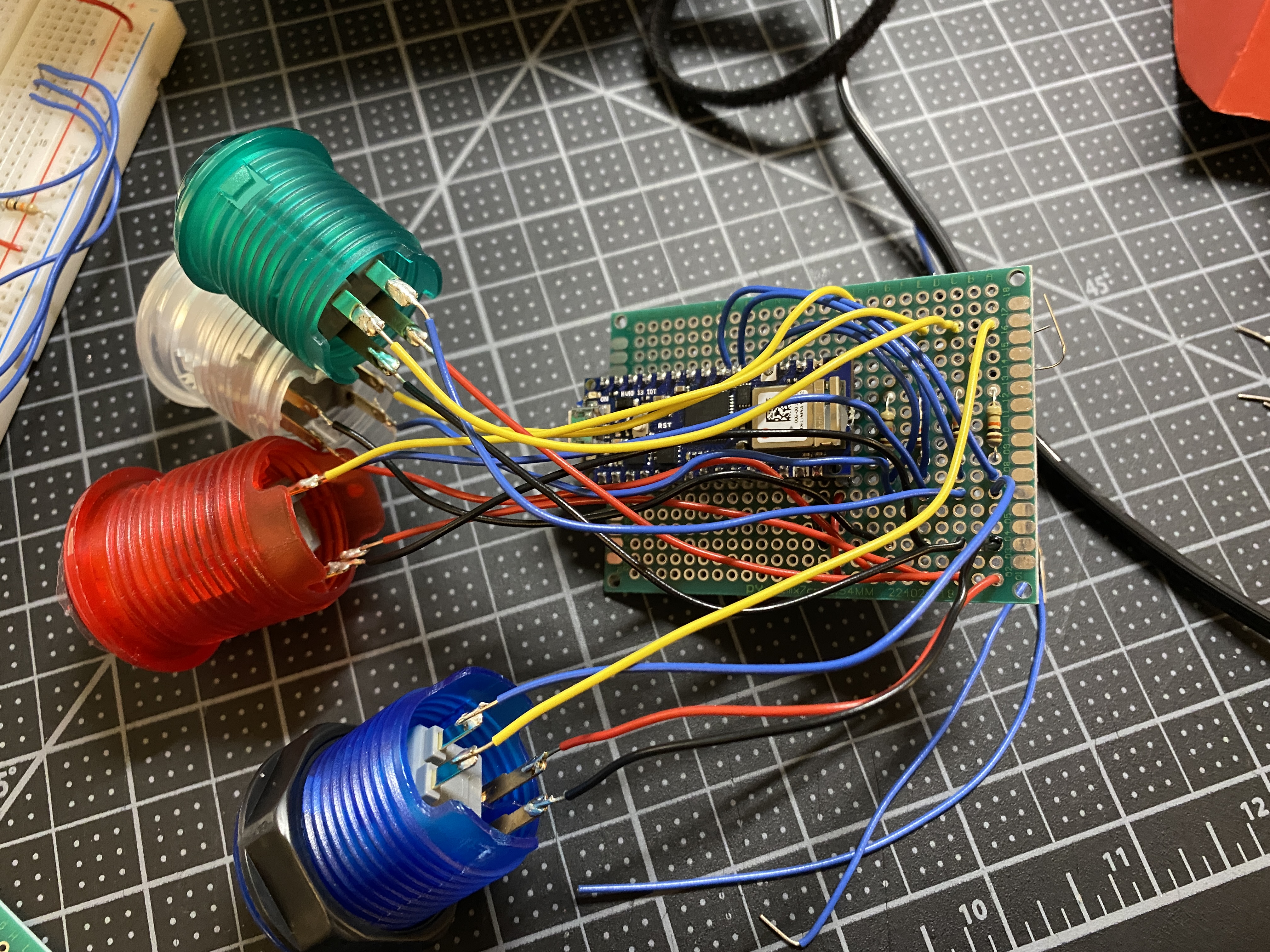
Next, I worked on hooking up arcade buttons instead of the pushbuttons, and also moving my circuit onto a proto-board...